

Add a source.
Not a project.
DataXcelerator is our metadata-driven ingestion framework for the Azure lakehouse. Describe a source in a few rows of metadata and it lands in your data lake as open parquet: incrementally, privately and on a schedule, ready for Databricks, Microsoft Fabric or anything else that reads a lake.
Organisations turn to DataXcelerator when
The first API integration was a project. So was the second. By the fifth, the same login, paging, retry and incremental logic has been written four different ways by four different people.
Every new source has become a project
DataXcelerator writes the hard parts once, as templates. Authentication, paging, batching, incremental loads and failure handling are solved problems. A new source is configuration, and a new table is a row.
Nightly loads are fragile and expensive
Full reloads hide problems until the bill or the batch window runs out. Every mapping is incremental by default, with a watermark, a maximum batch window and a rerun path for anything that fails.
Nobody can say what runs where
Connections, schedules, column mappings and failures live in one metadata database, not in a notebook or someone's head. Audit it with a query. Secrets never leave Key Vault.
One framework between your systems and your lakehouse
Three parts. A metadata database that describes what to load. Data Factory templates that do the loading. An open landing zone that any engine can read.
Control plane
A small Azure SQL database holds every source, connection, table mapping, column mapping, watermark and failure. It is the single place to look when someone asks what loads, from where, how often.
Data plane
Generic Data Factory pipelines read the metadata at run time and do the work: fetch a credential, split the load into batches, copy to parquet, record the outcome. No pipeline is written for a specific table.
Landing zone
Open files in your own storage account, partitioned by load date. Databricks and Fabric read them directly, as can any engine that reads parquet. There is no proprietary format and no lock-in to one engine, or to us.
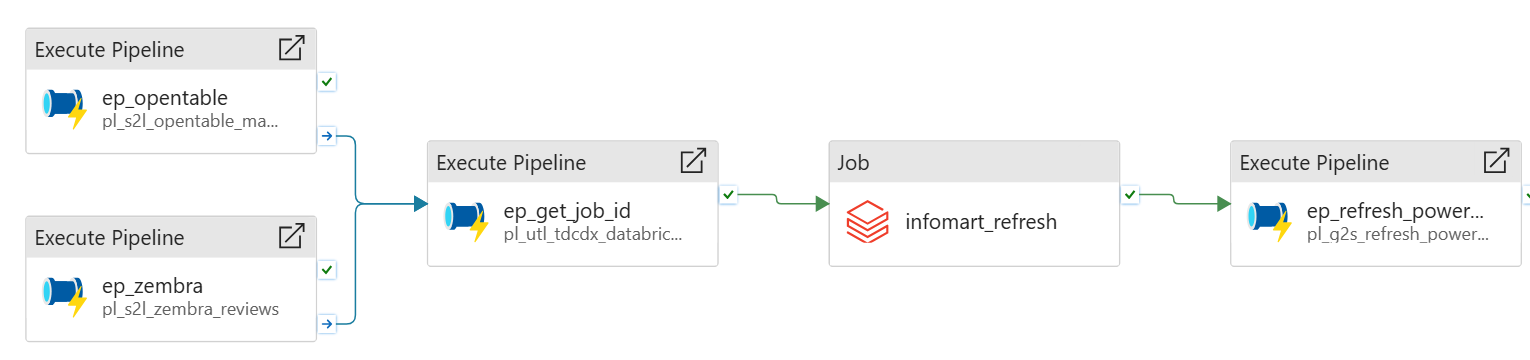
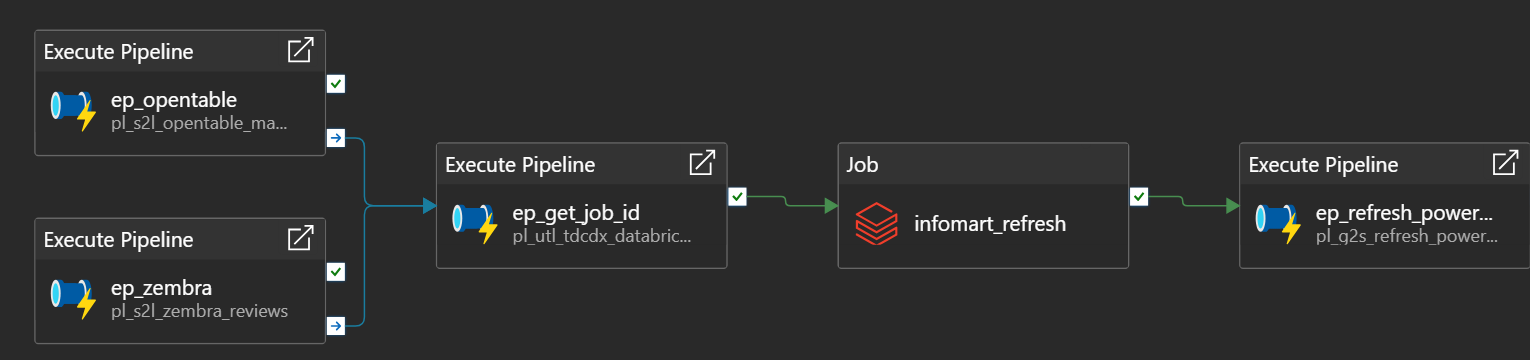
After every load, Data Factory also starts the downstream lakehouse job and refreshes the Power BI semantic models, so one schedule carries the data from source to report.
What happens when the schedule fires
The same seven steps for a sales ledger with twenty million rows and a lookup table with twenty. The metadata decides the details.
Schedule fires
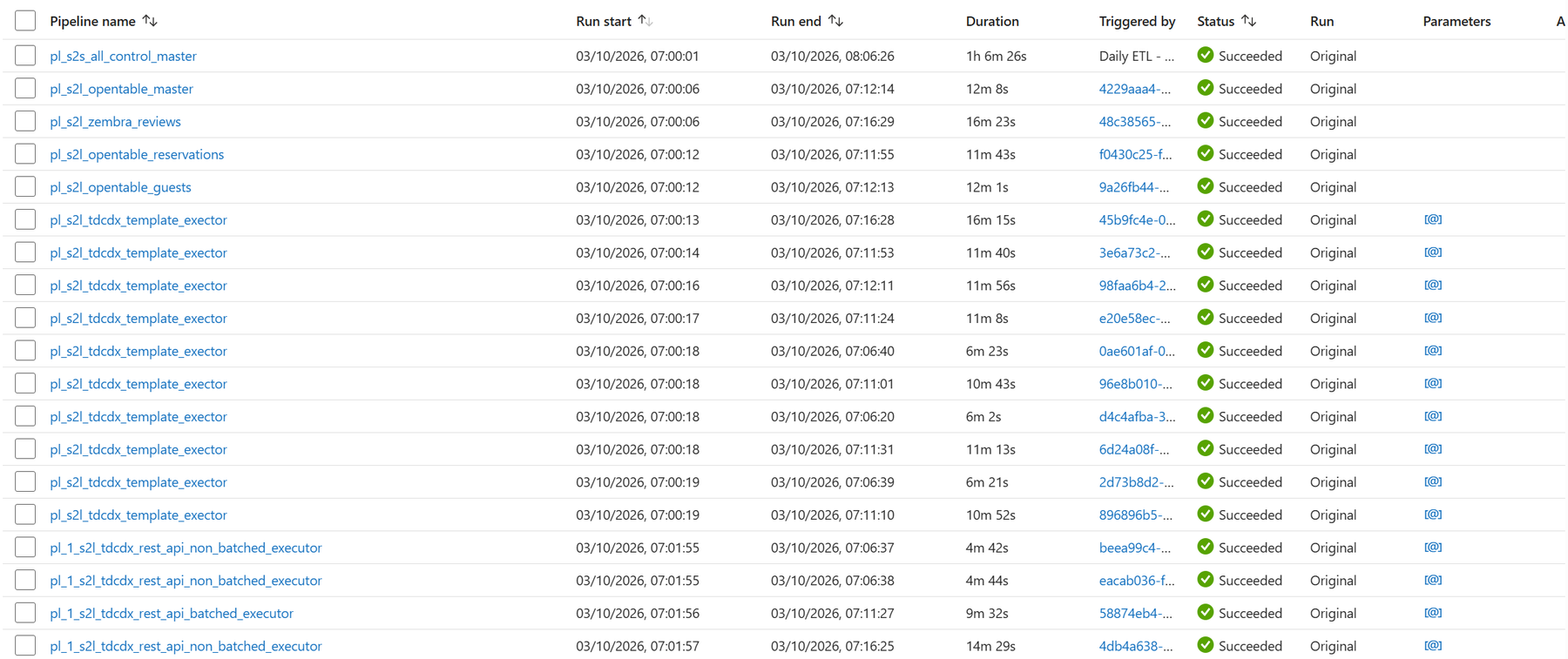
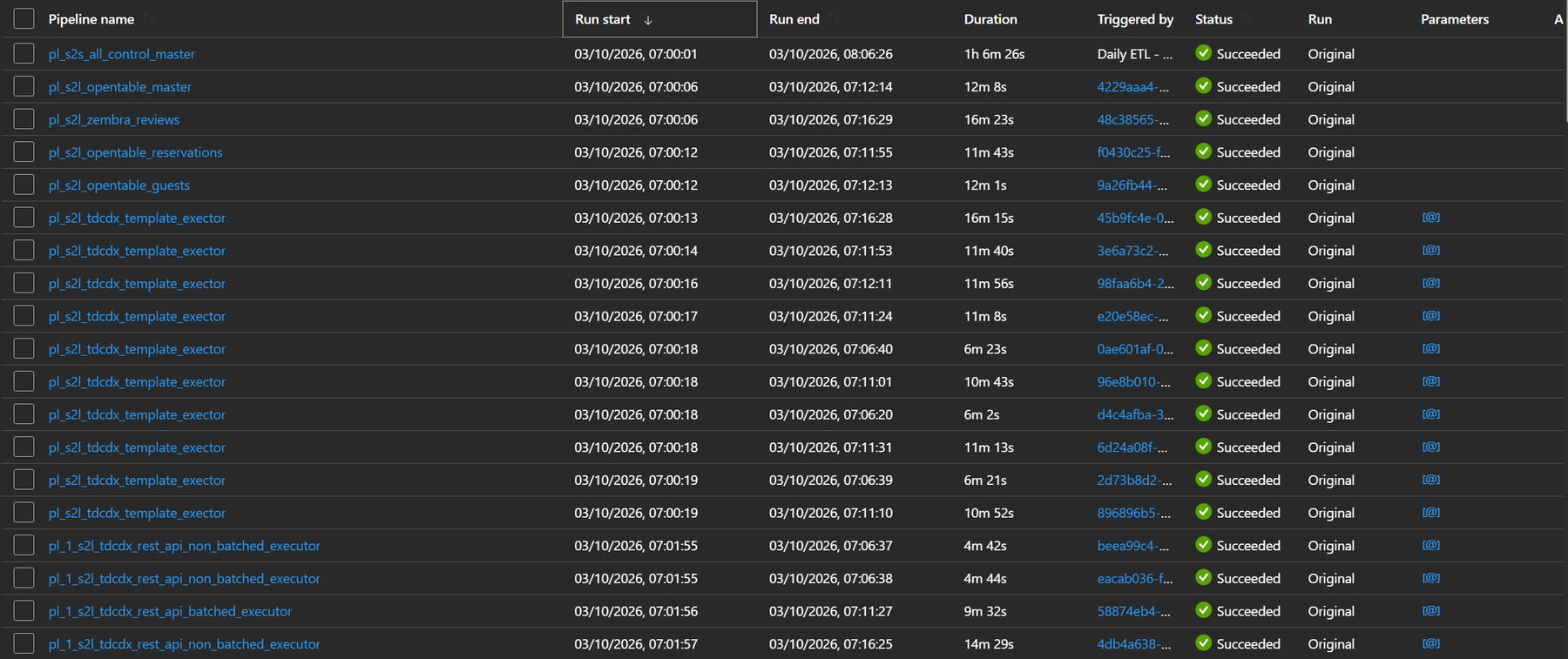
A Data Factory trigger starts the control master. Sources load in parallel. The lakehouse refresh and Power BI wait for all of them.
Look up the mapping
The template reads one row: source, destination, pattern, watermark and fan-out settings. Nothing is hard-coded in a pipeline.
Fetch the credential
The connection says how to authenticate: a Key Vault secret, an OAuth2 token, a certificate. Pipelines never see a password in clear text.
Fan out
If the source is split by site, branch or region, one mapping becomes one run per value, each with its own watermark.
Batch the window
The gap between the last watermark and now is cut into batches no larger than the mapping allows. A six-month backfill behaves like a nightly run.
Copy to parquet
Each batch is copied to the lake with the column mapping and data types generated from metadata, into year, month and day folders.
Record the outcome
Success advances the watermark. Failure writes the exact URL, iterator and date range to the failure log, where the reprocess template picks it up next run.
Reruns are not a special case.
Because every batch is addressed by mapping, iterator and date window, a failed one can be replayed in isolation without touching what already landed.
A new table is a row, not a pipeline
This is what adding a table looks like. One record in the metadata database, plus a one-activity wrapper pipeline that passes its id to the template executor.
- source_system
- EPOS
- connection
- epos-api · REST · OAuth2 · paged
- template
- REST API, batched
- source_url
- /sales/headers?site={{iterator_value}} &from={{watermark_value}}&to={{watermark_value_to}}
- destination
- landing/epos/sales_header/
- watermark
- modified_on · from 2023-01-01 · max 7 days per batch
- iterator
- sites (one run per site)
- columns
- 24 mapped · types enforced · nested JSON flattened
What the framework works out for you
- The paging, the token refresh and the authorisation header the API expects
- The date batches between the last watermark and now, within the limit you set
- The column translator Data Factory needs, generated from the column rows at run time
- The partition folder for every file, so downstream readers can prune by date
- The failure record if a batch breaks, and the watermark update when it does not
Agent skills included
DataXcelerator ships with skills for coding agents such as Claude Code. Point one at your metadata database and it drafts new mappings, column lists and lakehouse transformations in the framework's own conventions, for your engineers to review rather than write.
The metadata model
Nine tables in one schema. Everything the templates do is a lookup against them, and everything they learn is written back to them.
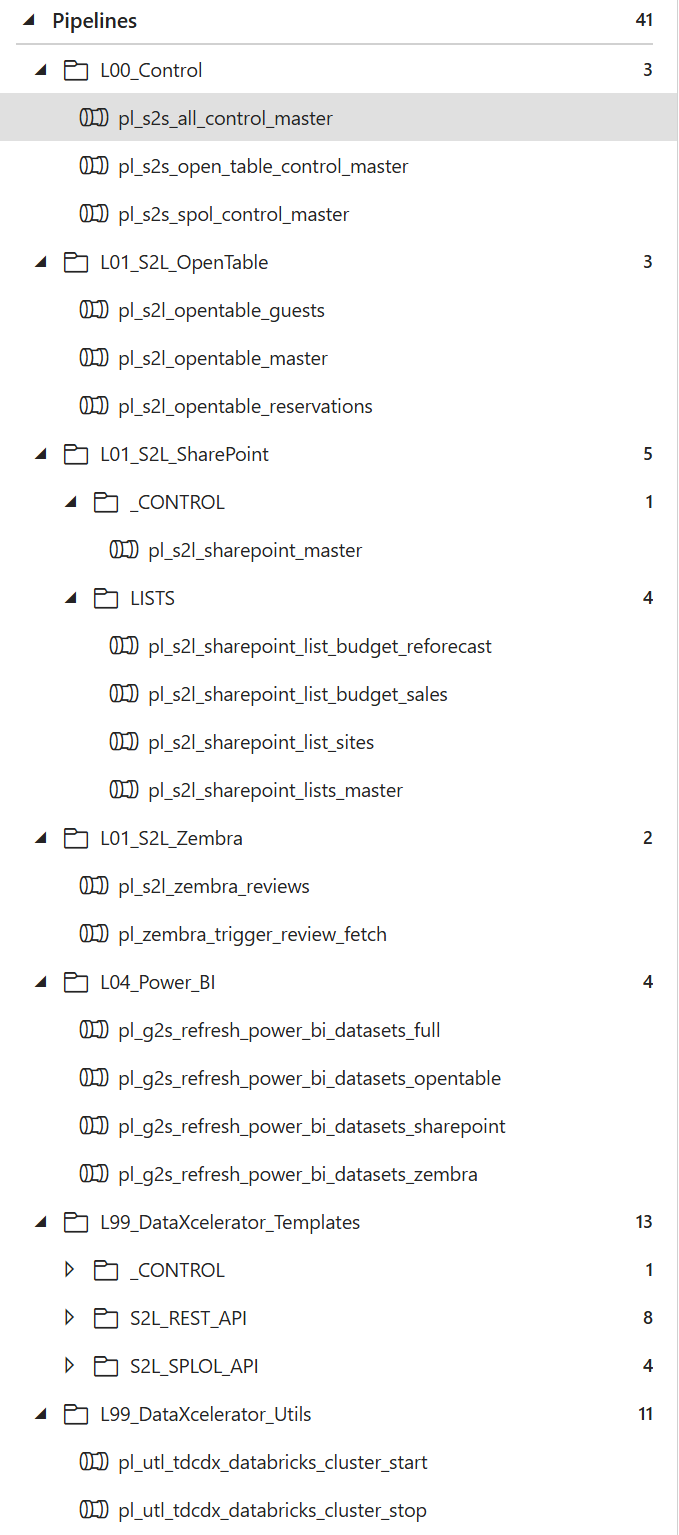
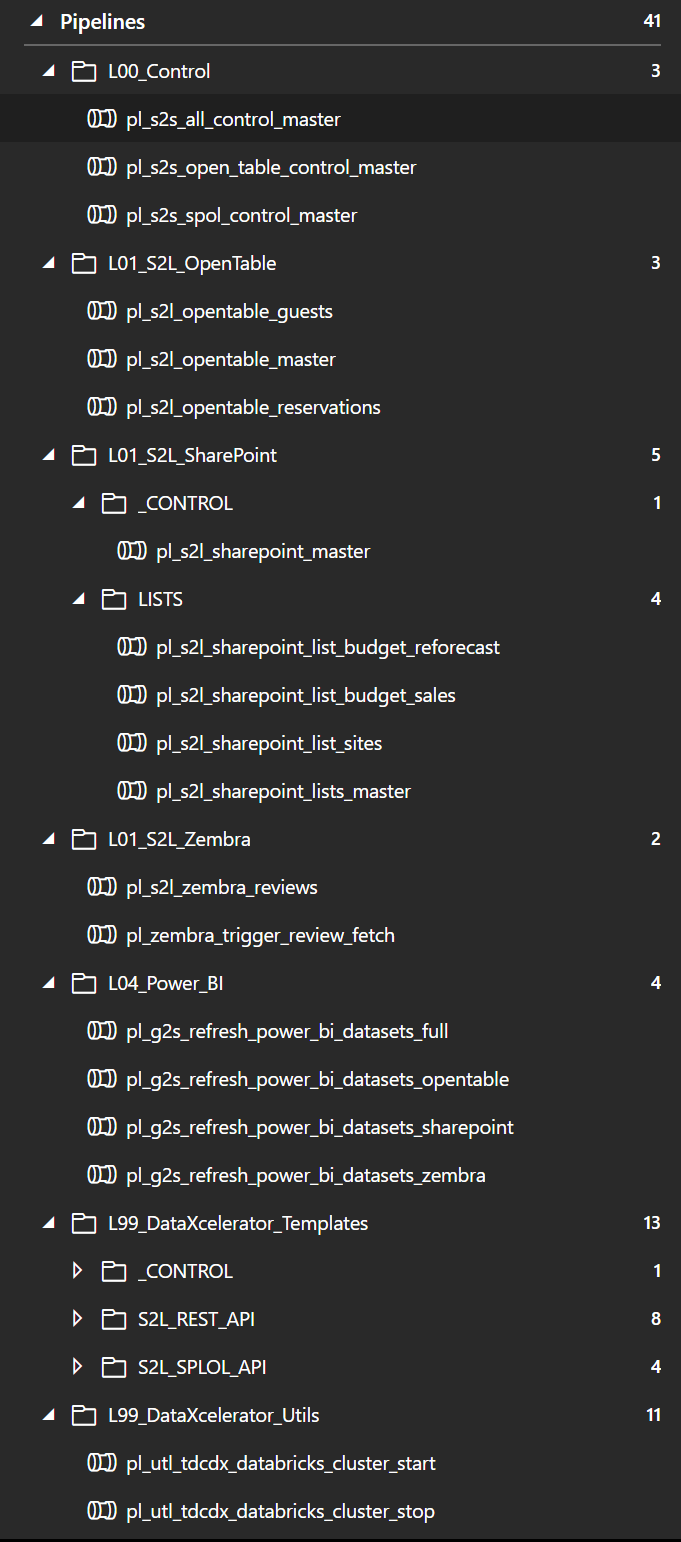
The template hierarchy
Data Factory folders map onto the levels below. Everything under L99 is the product; everything under L01 is yours.
- L00 · Control
- One control master per schedule. It runs the source masters in parallel, then the lakehouse job, then the semantic-model refresh, and stops the clock on anything that overruns.
- L01 · Sources
- One wrapper per table: a single activity that calls the template executor with a mapping id. This is the only pipeline you add per table, and it is six lines of JSON.
- L99 · Templates
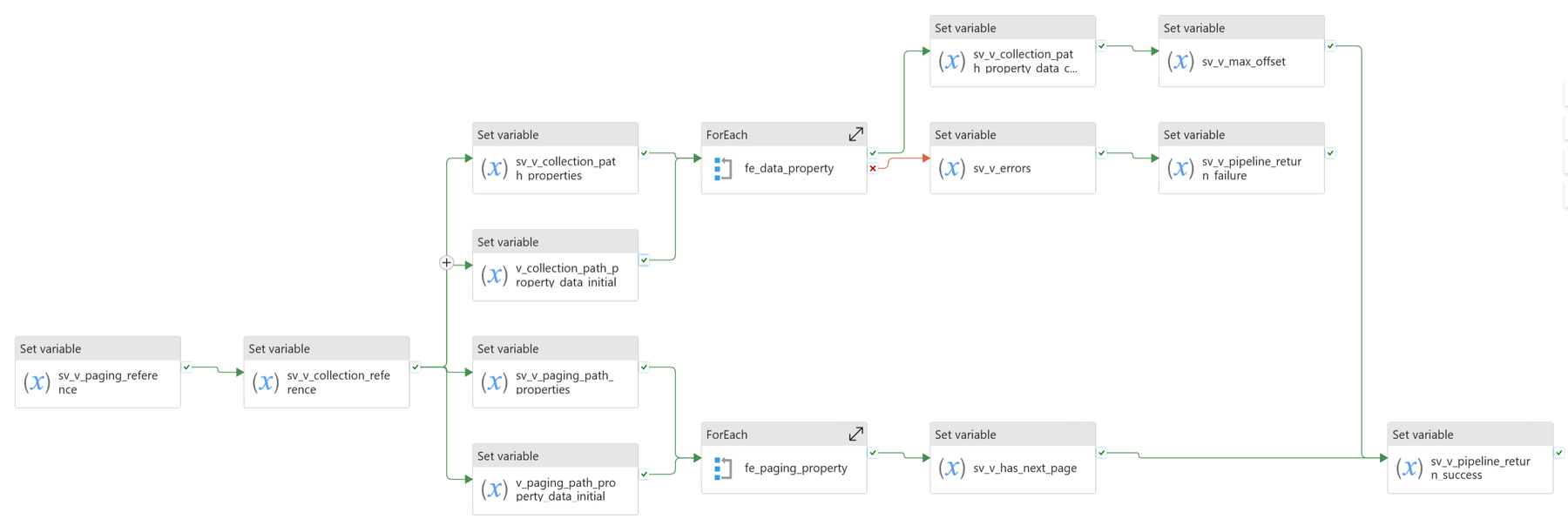
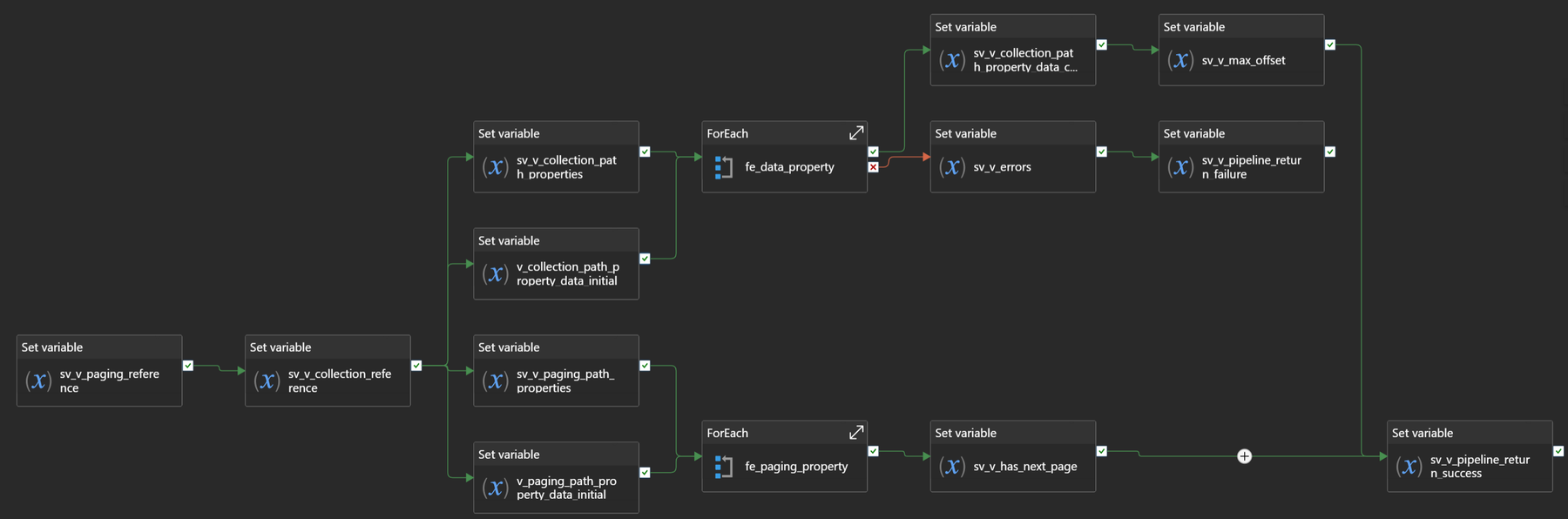
- The executor switches on the mapping's template. Level 1 handles credentials and fan-out (REST batched, REST non-batched, SharePoint list, reprocess failures). Level 2 cuts the date batches. Level 3 copies one batch to parquet and records the outcome.
- Utilities
- Key Vault secret, OAuth2 token, Databricks cluster and SQL warehouse start and stop, job lookup by name, Power BI dataset refresh. Reused by every template, replaceable by you.
- Deployment
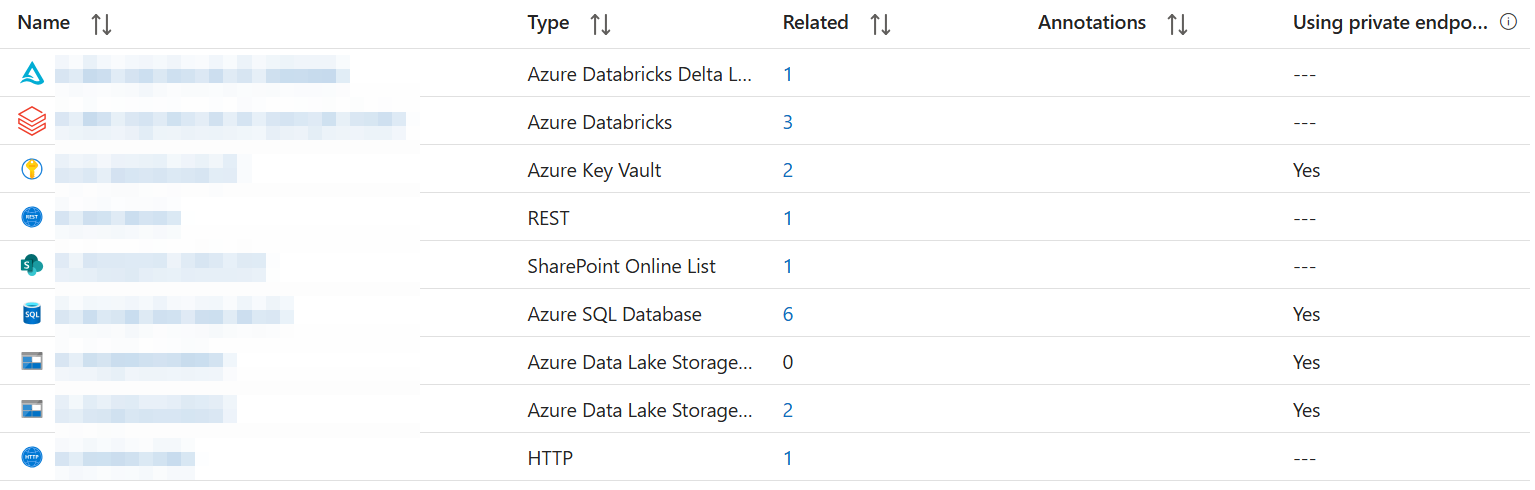
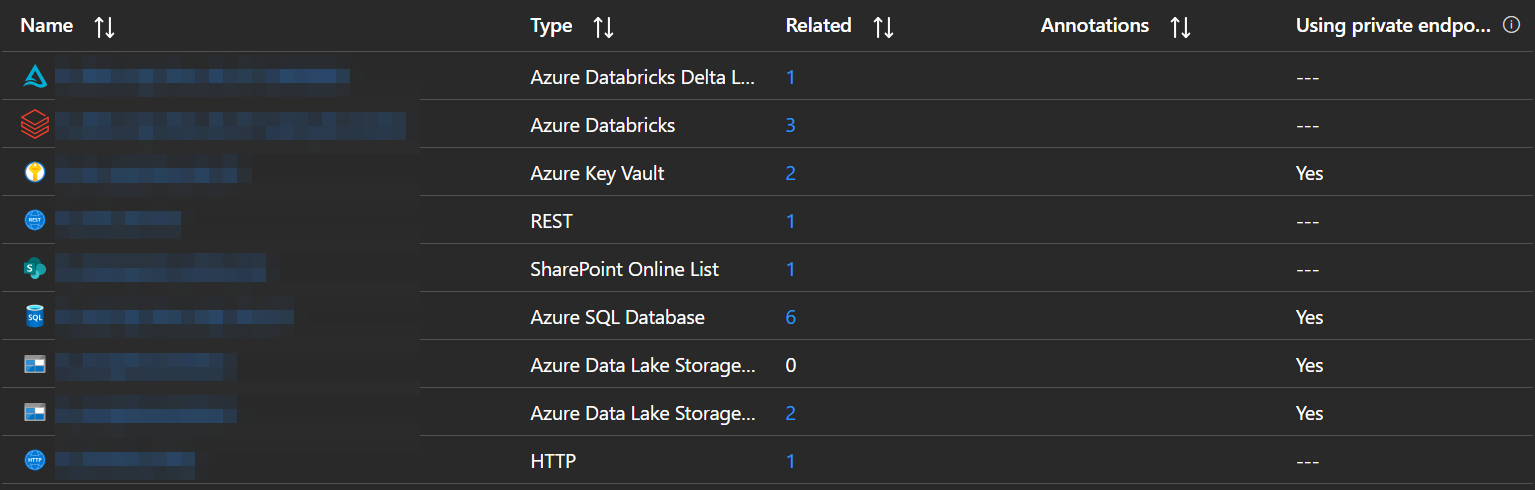
- The factory is ARM-parameterised per environment and shipped by an Azure DevOps pipeline, with managed private endpoints to SQL, storage, Key Vault and Databricks. A naming-standard procedure keeps the metadata database tidy as it grows.
From landing zone to star schema
The lake is the contract. Our Databricks templates take it from there; Fabric reads the same files.
Bronze
Streaming tables that read each landing folder as files arrive. One declarative statement per table, no code, and nothing re-read that has already been processed.
Silver
Incremental change capture (SCD type 1 or 2) with the cleansing in plain SQL: trim and standardise, derive business keys, apply trading-day rules, hash surrogate keys.
Gold
Materialised views in a dimensional model: facts and conformed dimensions, clustered for query performance and ready for a semantic model in Power BI.
Built on real sources, not demo data
DataXcelerator grew out of client platforms we run today. The examples below are what it ingests for them.
Restaurant group
EPOS sales, reservations, gift cards, loyalty, online reviews and SharePoint budgets, per site, every night, into one sales-and-guest model that the whole business reports from.
Belting manufacturer
An expensive third-party data warehouse replaced with an owned Azure platform and a single version of the truth across global branches.
Dairy
[ONE LINE ON THE SOURCES AND OUTCOME, TO CONFIRM]
Specialist lender
[ONE LINE ON THE SOURCES AND OUTCOME, TO CONFIRM]
Yours to run. Yours to extend.
Free in development and UAT
Install it, build with it, prove it on your own sources. Nothing to pay until it goes live.
Licensed in production, with support
A production environment carries a licence and our support desk behind it. It usually arrives inside an engagement; it is also sold on its own.
Templates, not a black box
It is SQL, JSON and YAML in your tenant. Modify it, extend it, add your own templates. The licence excludes resale, derivative products and use outside the licensed environments.
What is in the box
- Metadata database: schema, views, procedures and naming standards
- Data Factory templates and utility pipelines
- Azure DevOps deployment pipelines, parameterised per environment
- Databricks asset bundle with bronze, silver and gold templates
- Documentation for every layer, and the agent skills
- Support from the people who built it