

Using an R Dataframe as a Power BI Source
Power BI can run an R script as a data source. A worked example pulling Google Trends data, and the refresh gotcha to know about.
Power BI can use a wide variety of data sources. This is one of the things that makes it very powerful. In this post I show how you can use an R script as a data source. If you have folks in your team that can program R you can take advantage of the power that R gives you: run predictive analysis such as time series analysis or predict customer churn and all sorts of other analysis. Of course, you can learn it yourself too. All you need to do is provide an R data frame at the bottom of your R script. Here’s a simple script you can use that queries Google Trends data.
require("magrittr")
require("dplyr")
require("trendyy")

terms <- c("Boris Johnson", "Dominic Raab",
"Jeremy Hunt", "Rory Stewart","Michael Gove")

terms_trends <- trendy(terms, from = "2019-06-01",
to = Sys.Date(),
geo = c("GB"))

interest <- as.data.frame(terms_trends %>% get_interest())
You can see in R Studio that interest is a data frame with 55 observations and 7 variables. Note, there is other data in the list but I’m only extracting a single data frame using the function within the list: get_interest().
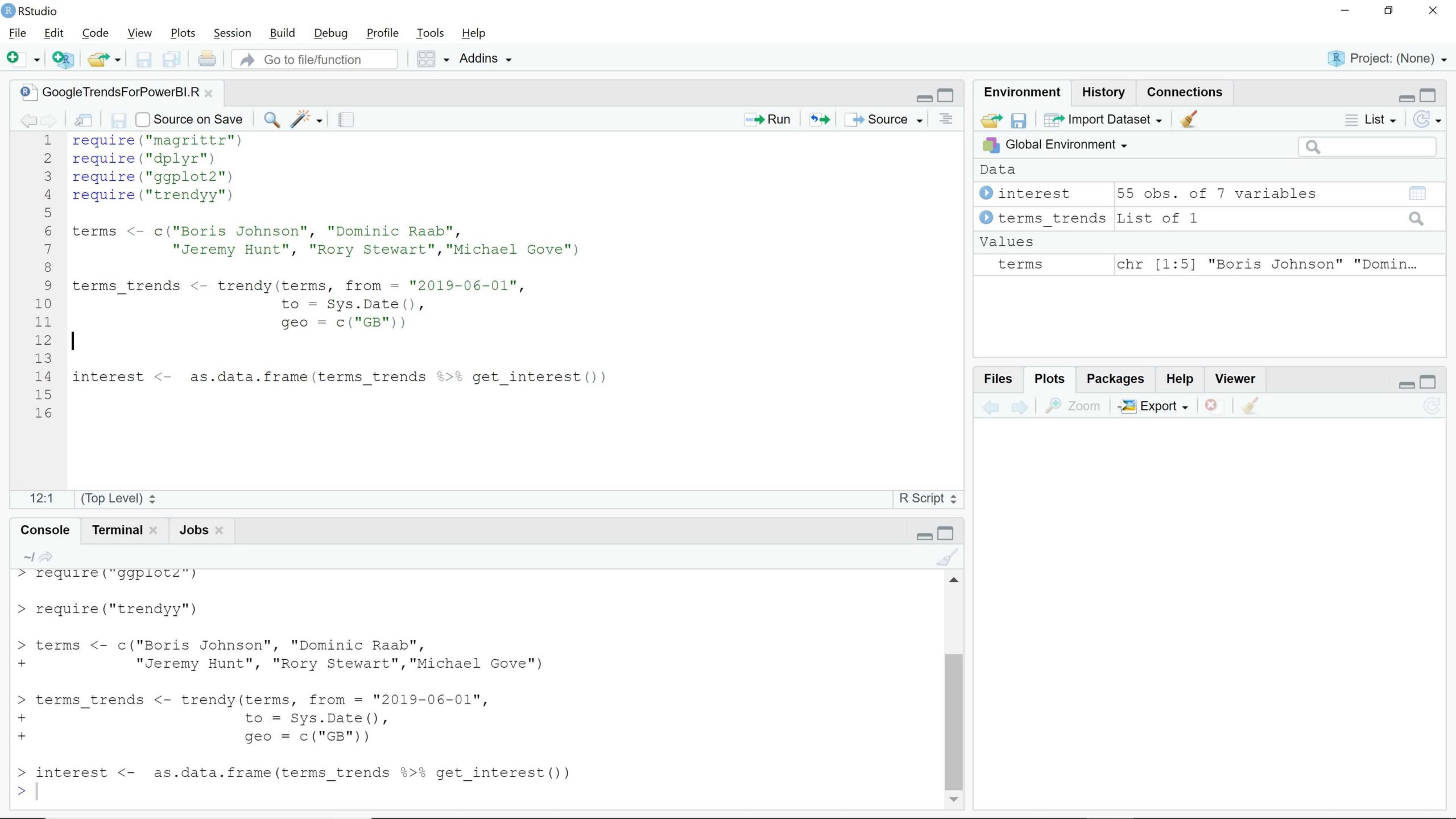
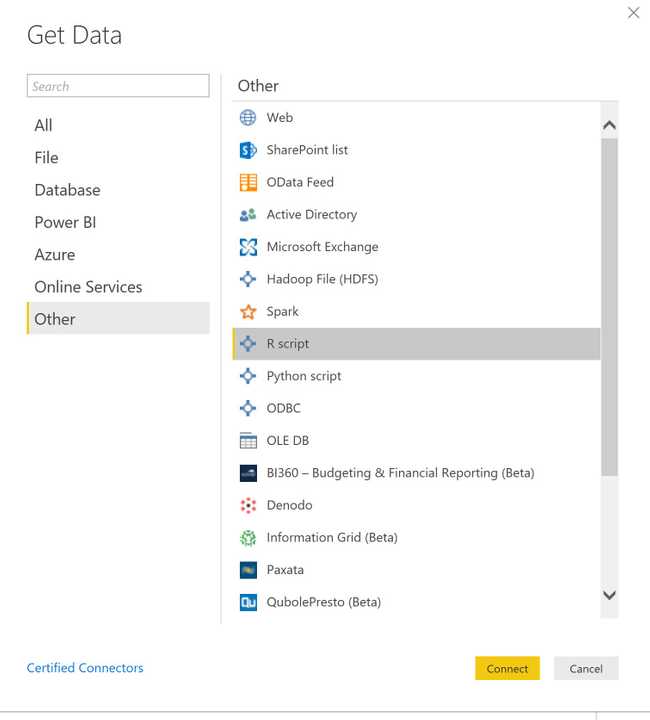
When you have the script running in R Studio, copy the code, open Power BI and select Get Data. Select R Script from the Other menu.
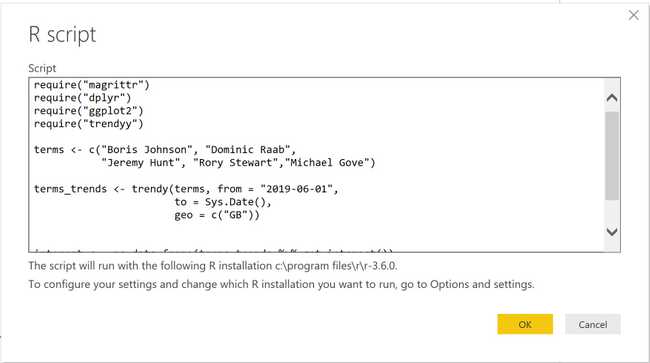
You can then paste in the script.
At this point Power BI will run the R code and return the data.
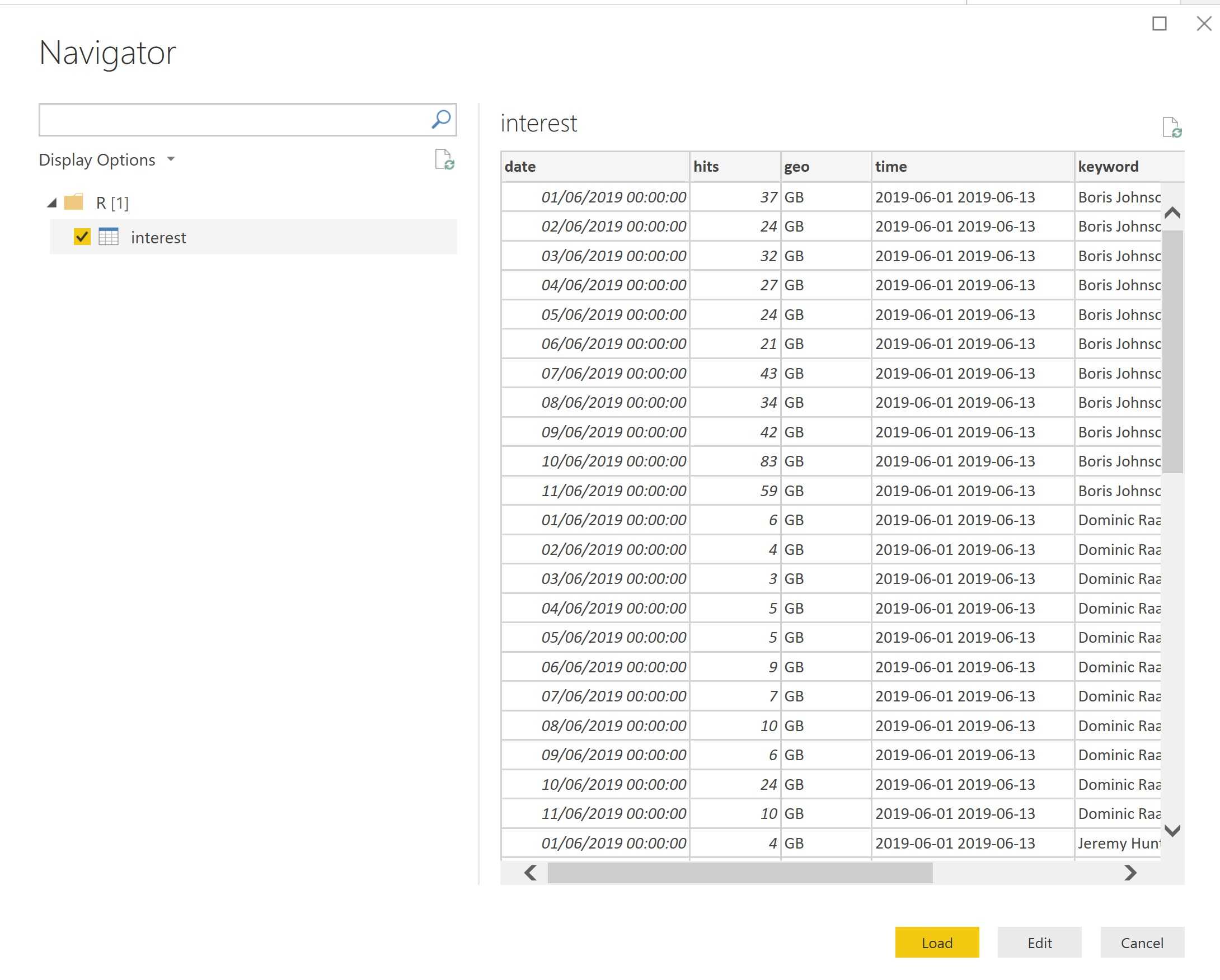
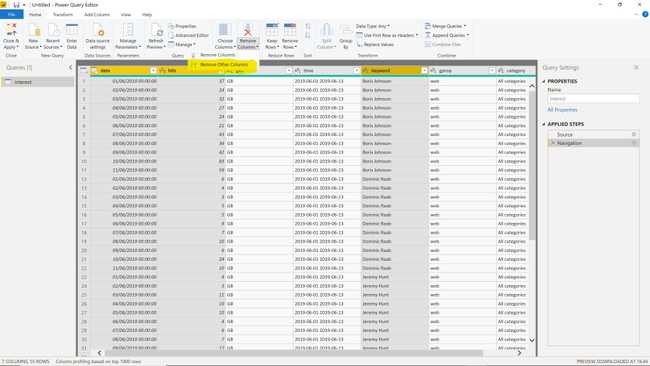
I want to remove some columns so I click Edit. Select the Date, Hits, Keyword columns and then select from the menu: Remove Columns, Remove Other Columns.
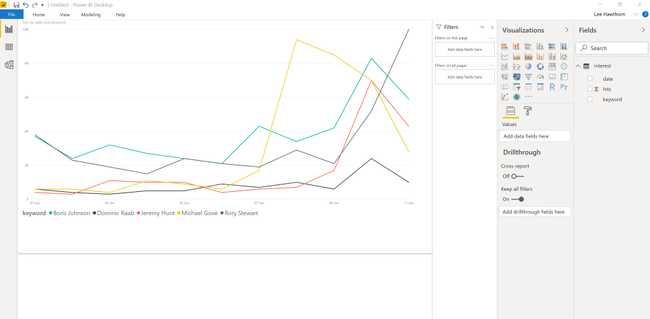
You can close and apply as per usual and create whatever visual you need.
You can publish the PBIX to a workspace and refresh it through a Gateway. I tried to do this but I received an error:
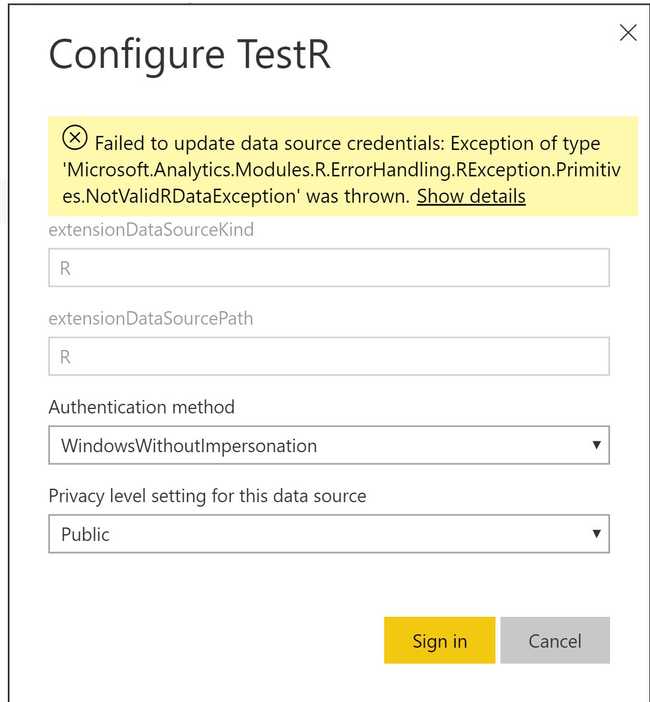
I tried with even simpler R but this had the same error. Hopefully this bug will be sorted out. Many folks are experiencing this problem.
Summary
Being able to run R scripts unlocks the power in the R ecosystem. You’re also able to process R visuals too.
It would be great if the R code could be run in the service so code like the example could refresh without a gateway. I suppose this is too much to ask. Hopefully Microsoft sort out the bugs with the refresh.